Activate the widget in your theme
Updated June 25, 2026
Once your store is linked, one gesture is left: activate the widget in your theme. It happens in the Shopify theme editor, with no code.
In 30 seconds
- In your Navi dashboard, open Installation, then click Open Theme Editor.
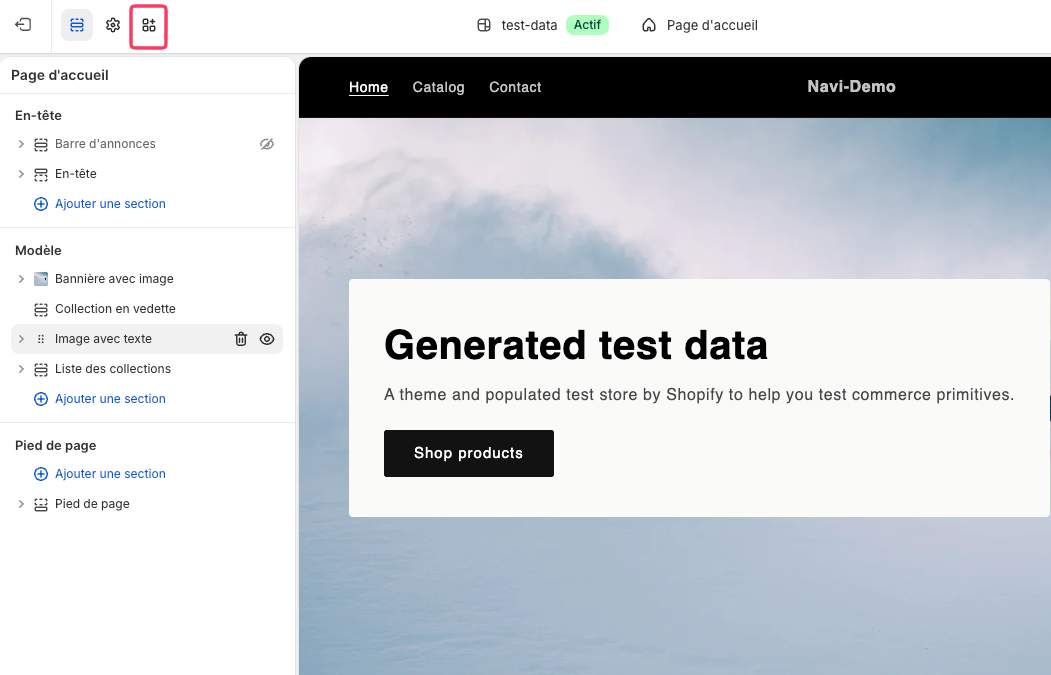
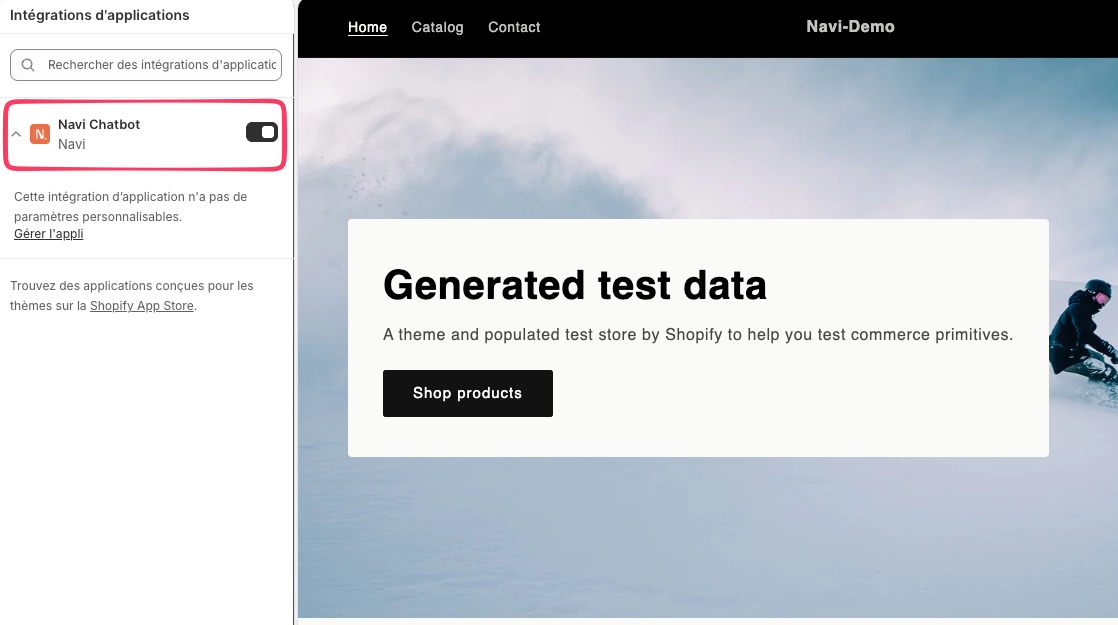
- In the editor sidebar, open App embeds and find Navi.
- Turn on the Navi toggle.
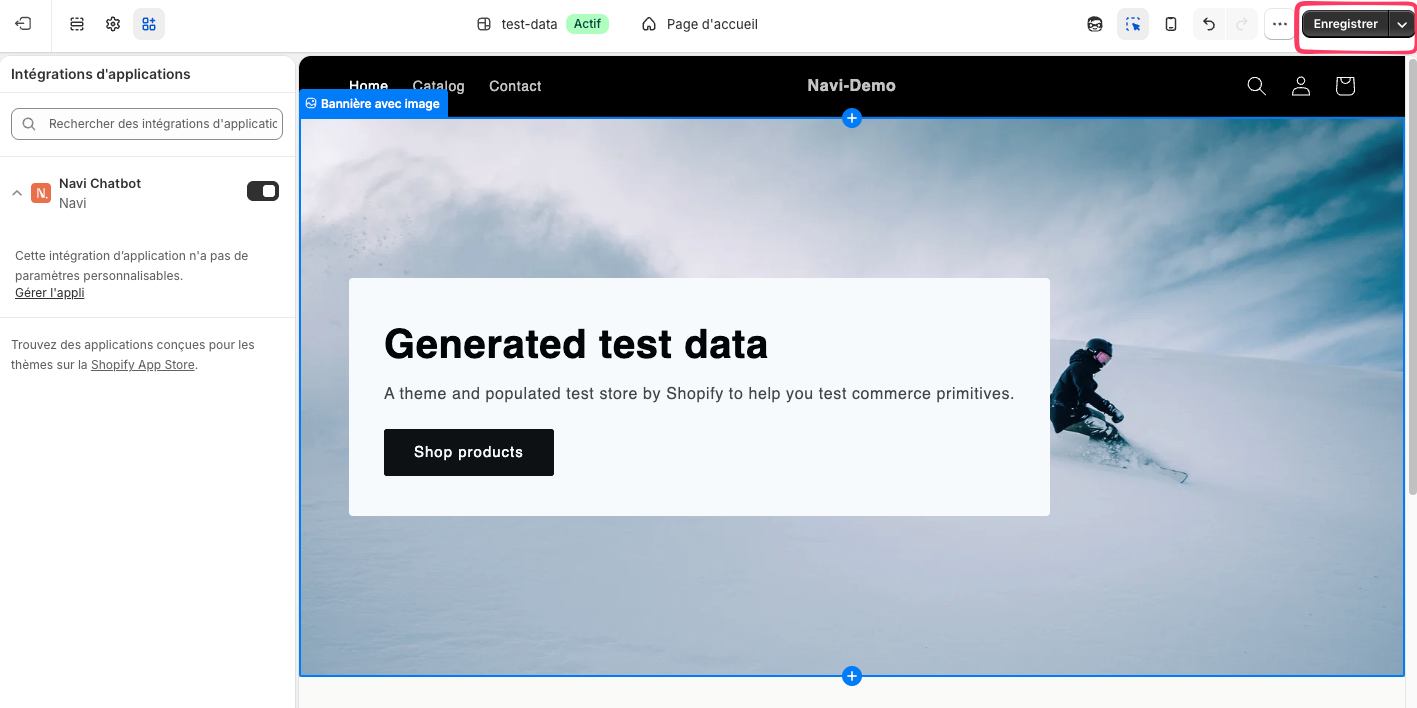
- Click Save, top right.
Step by step
On the Shopify mobile app for Android, App embeds aren't always available. Use a web browser instead to activate Navi.
Next
The Navi bubble is live on your store. Make sure everything works: run a first test on your site.